
Start with the idea
Choose a level, school, intended use and effect theme. Build a spell around one primary effect and the magical identity you want.
Original fantasy magic
A magical identity.
A clear casting structure.
Power with limits.
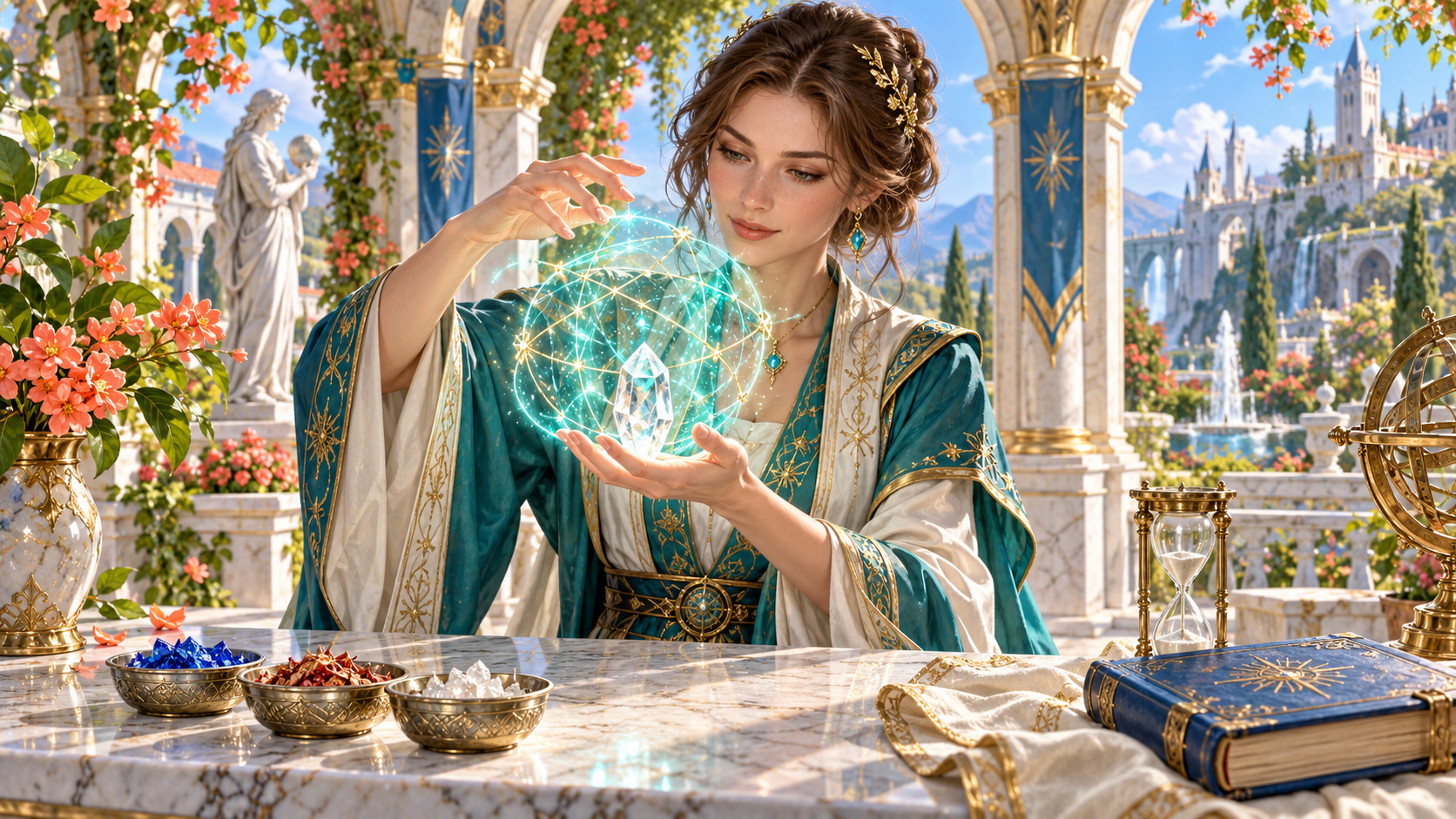
Create an original spell
Prepare a design you can review for your game.
Choose a level, school, intended use and effect theme. Build a spell around one primary effect and the magical identity you want.
Keep casting details, interaction, scaling and limitations together. Use the design guidance to choose the final numbers and rules for your table.
A themed effect with boundaries
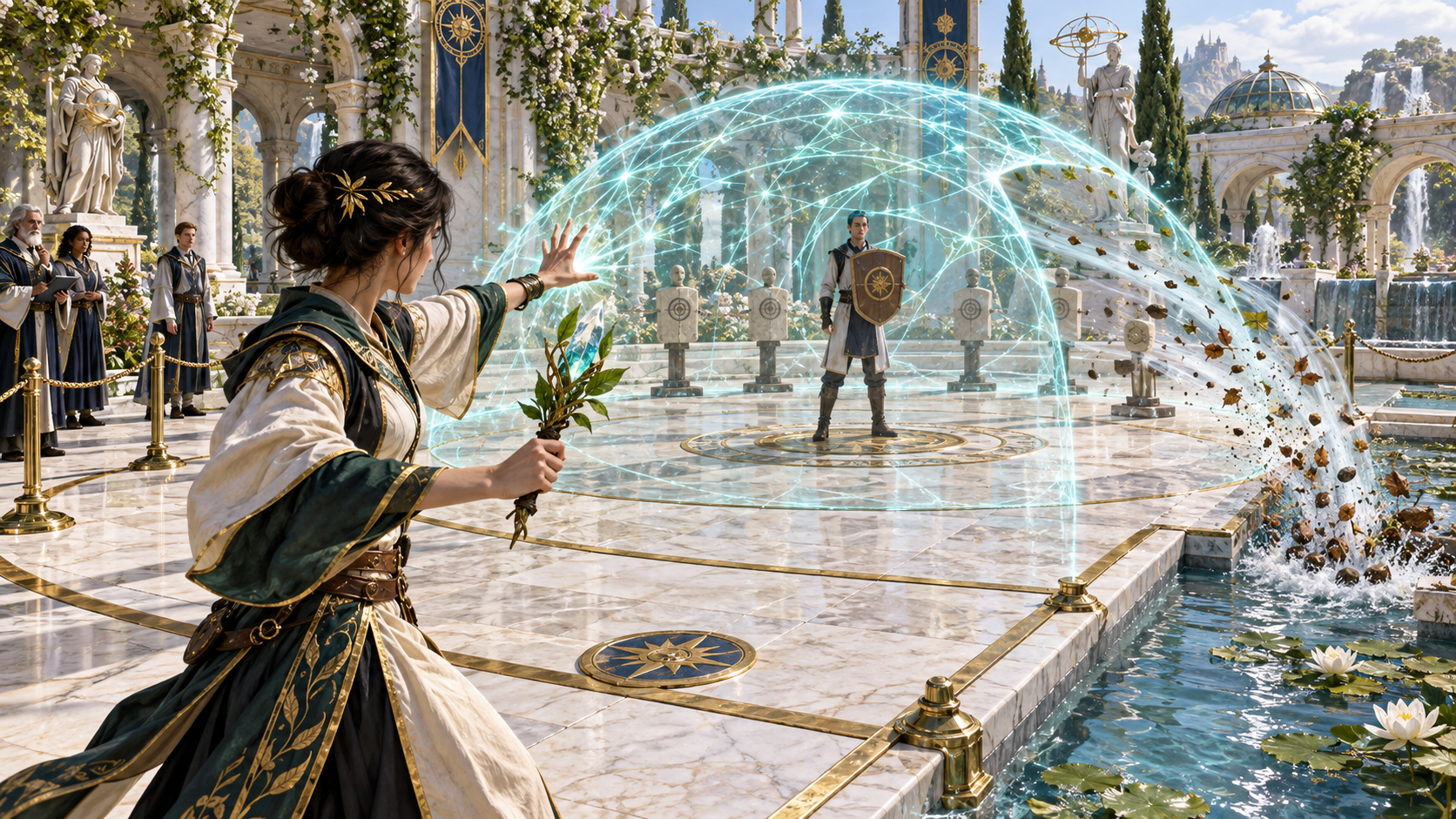
The illustration shows a mage creating a glowing blue dome around a shielded person and practice targets while observers watch from the courtyard.
Prepare what your spell does, what it targets and how long it lasts. Review its interaction and limitations before bringing the effect into play.
Identity casting and effect
Keep the details of one original spell together.
Choose a school, intended use and effect theme. Give an original spell a clear purpose and a place in your world.
Choose a level from zero to nine. Review the design notes and decide the final numbers and rules for your table.
Set casting time and required actions. Keep those details beside the effect when reviewing how the spell is used.
Prepare the range, target and area shape. Resolve the measurements and boundaries your game needs before play.
Set duration, concentration and ending conditions. Review when the effect begins, continues and ends in the scene.
Prepare the core effect and its save or attack interaction. Review the suggested rules against the game you are playing.
Prepare components, material costs and ritual use. Decide what a caster needs and what the spell asks of them.
Review scaling guidance and variant suggestions. Choose the versions that fit the intended use and power of your spell.
Include limitations, drawbacks, risks and warning notes. Use the design guidance when refining the effect for your game.
Review a compact player card beside the full design. Copy useful material, download the complete result or print the card.
Designers reviewing a spell model
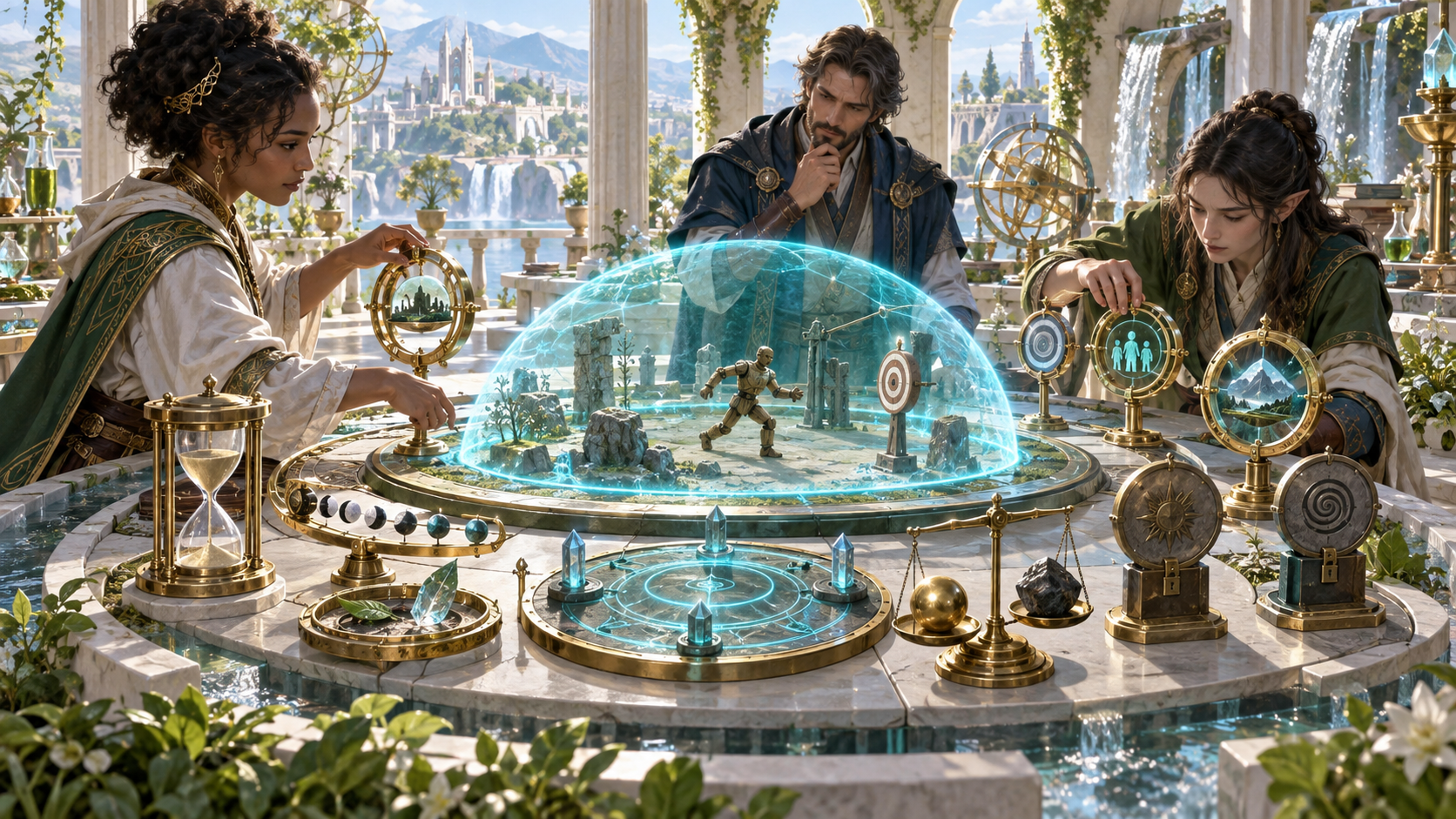
The illustration shows three spell designers reviewing a miniature dome, targets, an hourglass, component materials and symbolic controls around a tabletop model.
Choose the level, school, use and theme. Add casting details in Deep mode, generate the design, then review and edit individual details for your game.
From an idea to a spell design
A focused workflow for original magic.
Select the level, school, intended use and effect theme. Decide what the spell should accomplish and how it looks in your world.
Set timing, range, targets, area, duration and concentration. Add components, ritual use and the save or attack interaction.
Read the effect, scaling, limitations, drawbacks and warning notes. Decide the final measurements, numbers and rules your table needs.
Edit individual details and review variant suggestions. Keep the compact player card alongside the full design when preparing for play.
The complete spell design
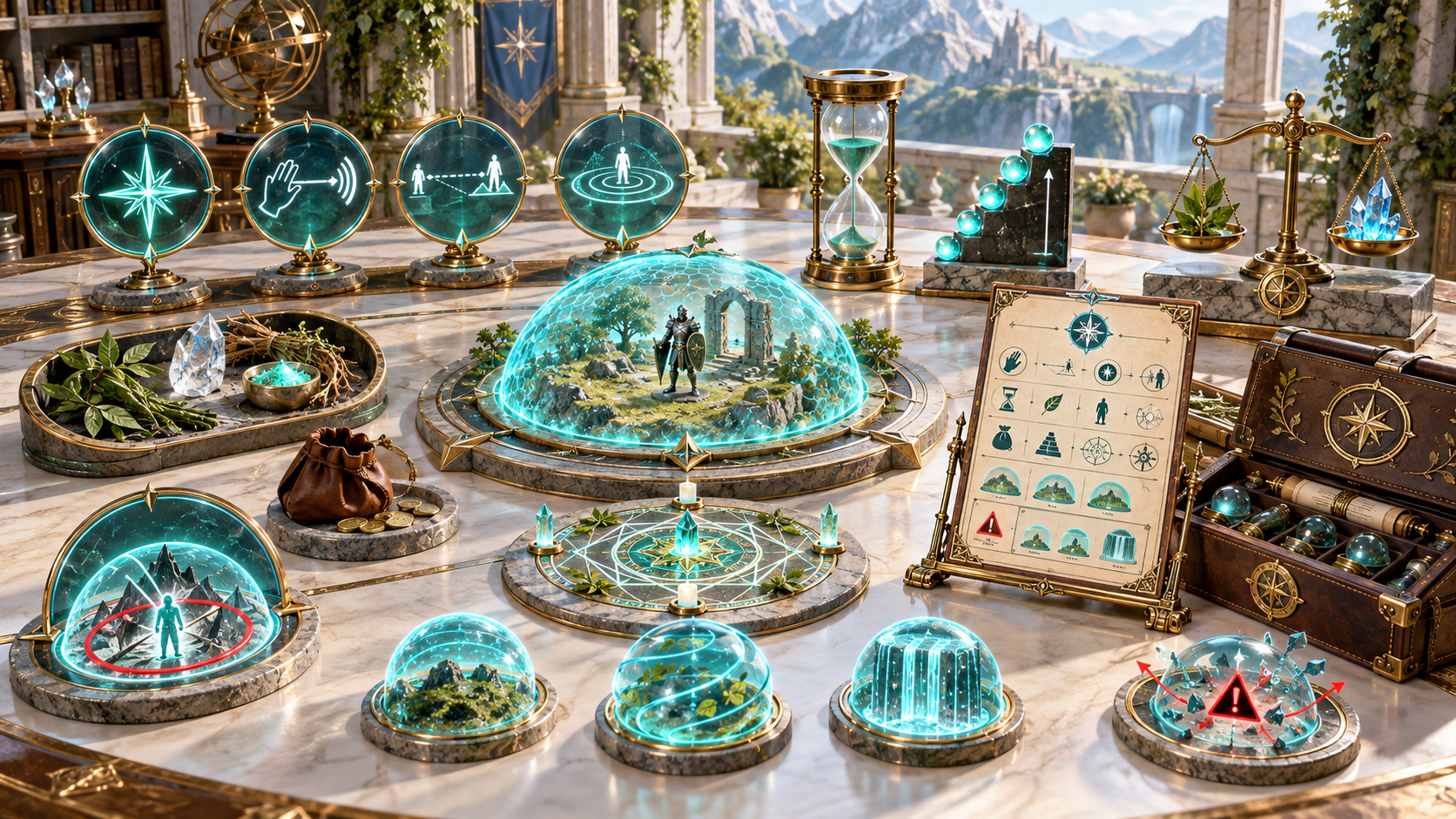
The illustration shows a miniature magical dome beside a symbolic spell card, hourglass, scaling steps, balance scales, materials and several smaller variations.
Keep identity, casting structure, effect, components and limitations together. Review the full design beside the compact card and add any details your game needs.
Keep your original spells
Return to a design when your game needs it.
Save a spell record, search by name and reopen the design. Review it alongside your campaign preparation.
Read the compact casting and effect fields beside the full design. Include any additional area, ritual, risk or other rules needed for play.
Copy the player card or the full design as JSON. Choose the form that fits your session notes and review the details before sharing.
Download the complete result or print the player card. Keep the full design available when a question about the spell comes up.
Your workspace and related tools
Open your tools through your VISINVOKE account.
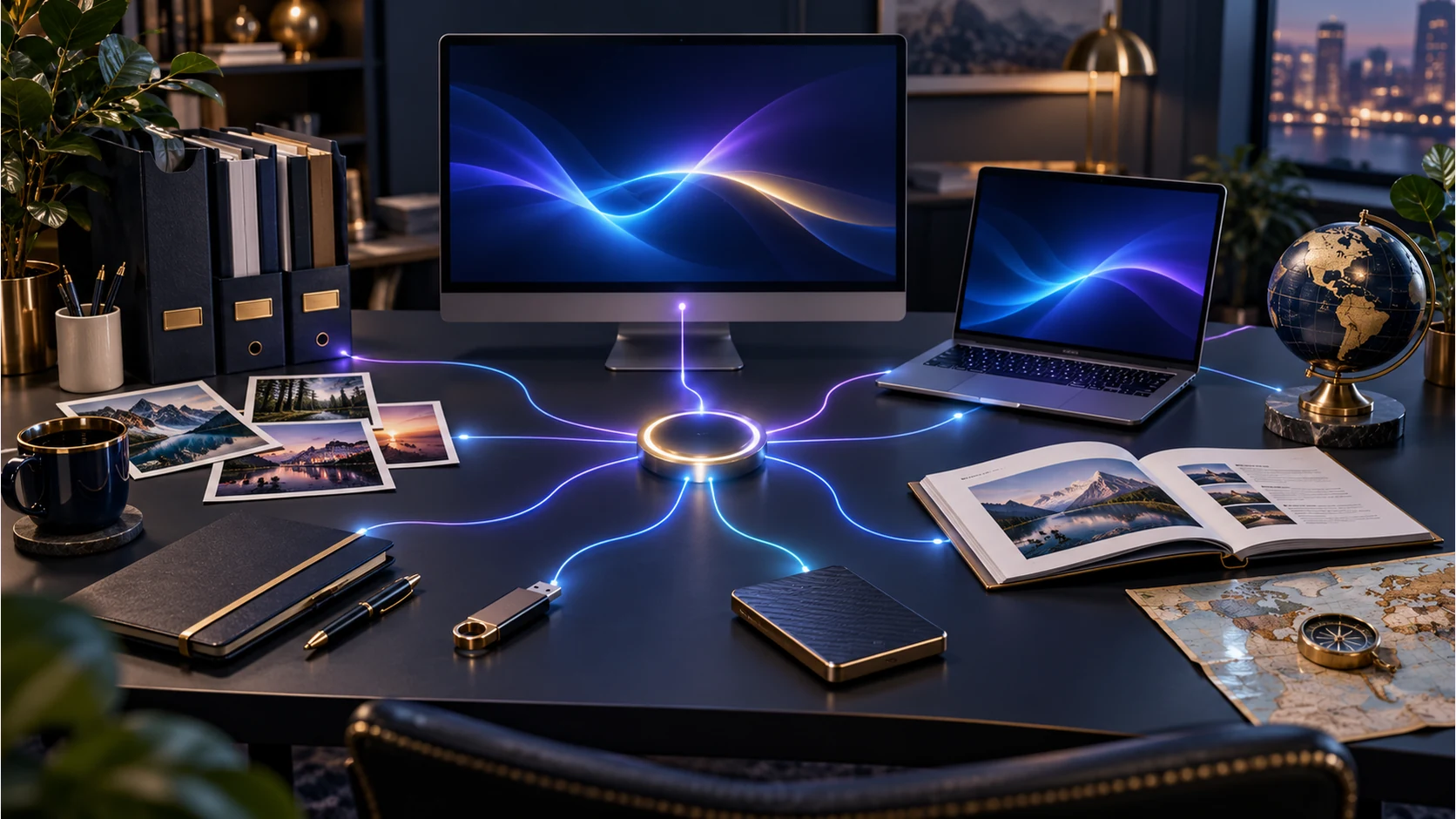
Open Spell Generator in DCC. Get the desktop workspace through your account installer page.
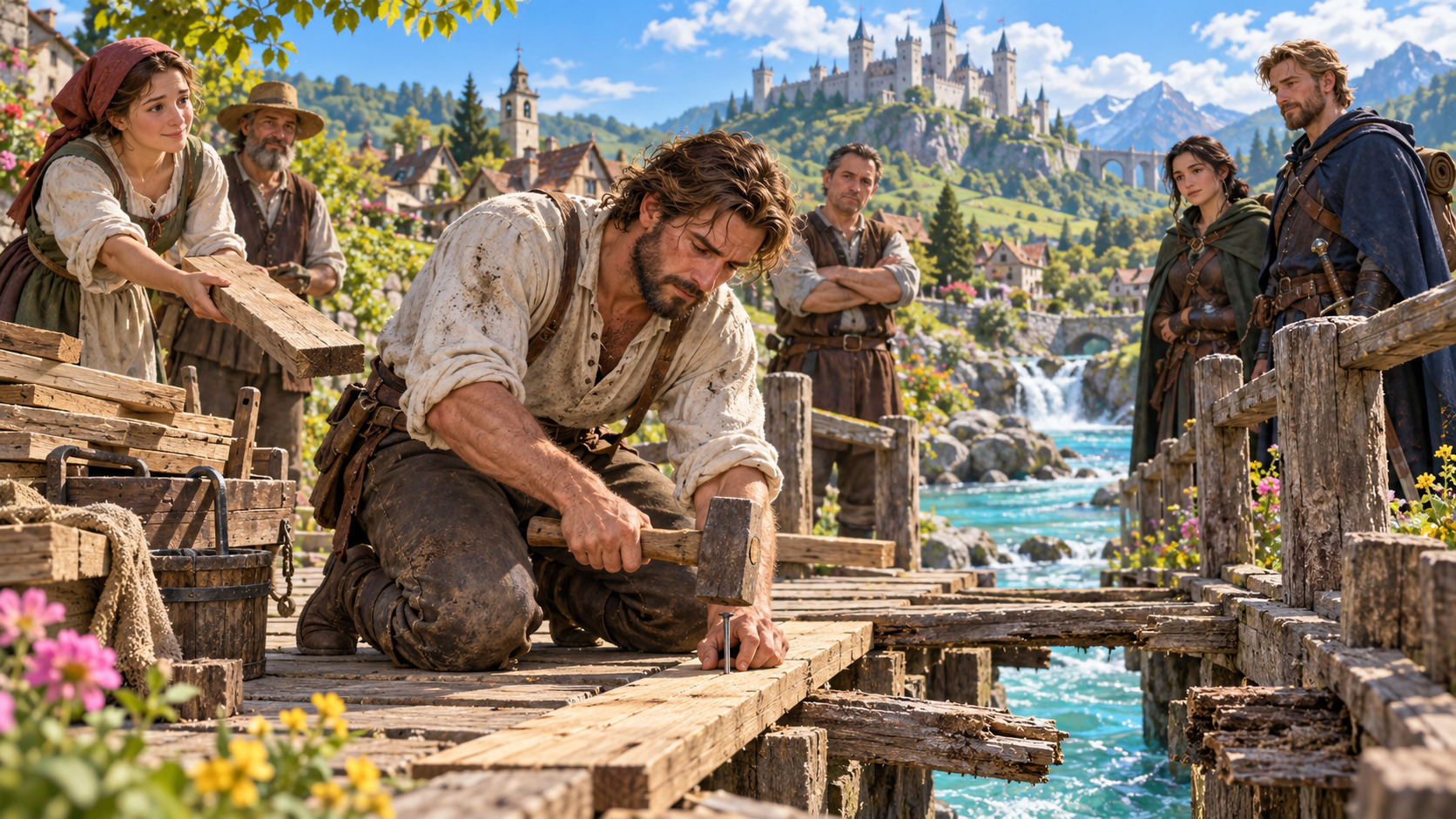
Prepare a separate story about making amends, its cost and how others respond. Use that material alongside your adventure.
Product illustrations show a magical identity, a bounded effect, design preparation and a complete spell model.
Questions and answers
Identity, casting details, effects, guidance, player cards and account access.
It creates an original fantasy spell design with identity, school, level, casting details, effect, interaction, scaling, components, limitations, design guidance and a compact player card.
Choose a level from zero to nine, school, primary use and effect theme. Generate the design and review its casting details, effect and guidance for your game.
Refine casting time, range, target, duration, concentration, save or attack interaction, area shape, scaling, ritual use, component intensity, risk and flavour tags.
Review the spell against your game rules and table. Choose the final numbers, resolve missing measurements and interactions, and keep the effect and limitations clear before play.
Copy the player card or full design as JSON, download the complete result or print the card. Review the compact card beside the full design and include any extra rules needed at the table.
Open Spell Generator from the Generators collection in VISINVOKE Desktop Control Centre. Create an account or sign in and get DCC through your account installer page.
Continue in VISINVOKE
Create an account or sign in. Get Desktop Control Centre through your account installer page and open Spell Generator.
Keep original spells and design notes beside your campaign preparation.